Sign anything.On device.
SignPaper turns your iPhone and iPad into a private signing pad. Sign PDFs, contracts, and forms in seconds — without uploading them anywhere.
On-device
Processing
Zero
Accounts
iCloud
Sync (Optional)
What It Does
Features
Sign anywhere
Drop your signature, initials, stamps, text, or the current date anywhere on a PDF. Resize and place with pixel precision.
Fully on-device
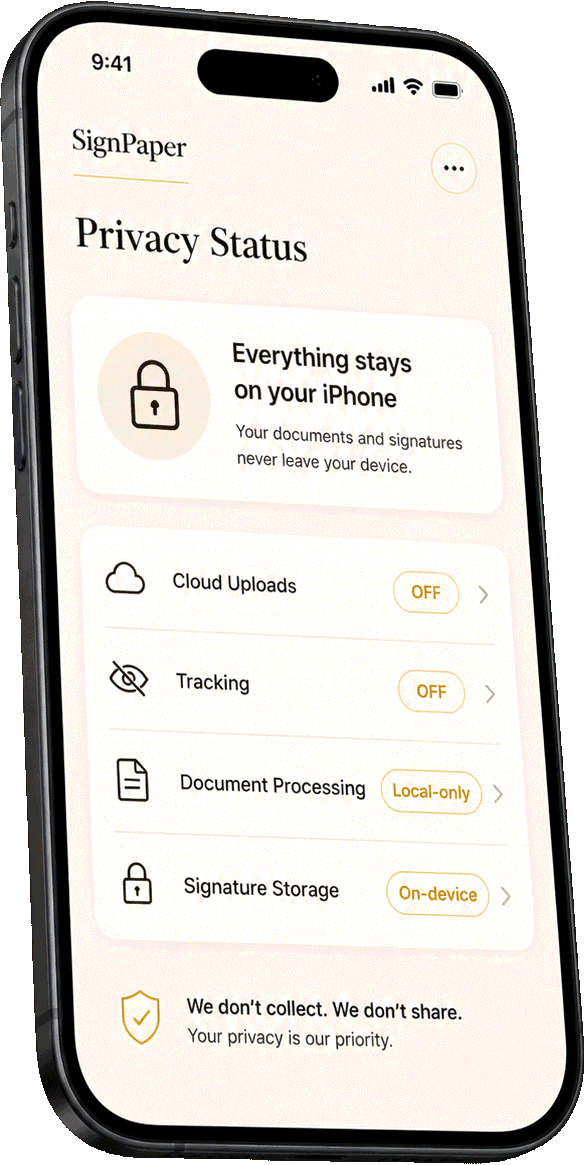
Documents never leave your iPhone or iPad. No accounts to create, no servers to trust, no telemetry tied to you.
Optional iCloud sync
Turn on private iCloud sync to keep your documents and signatures available across all your Apple devices.
Import from anywhere
Open PDFs from Files, Mail, Safari, or scan paper documents straight from the camera. Export back to wherever you need.
Privacy First
Your documents
stay yours.
SignPaper processes everything on your device. No accounts, no servers, no document uploads. The only network request the app makes is anonymous, aggregate usage analytics — with no personal identifiers and no cross-app tracking.
Need Help?
We respond fast.
Most messages get a reply within 24 hours.